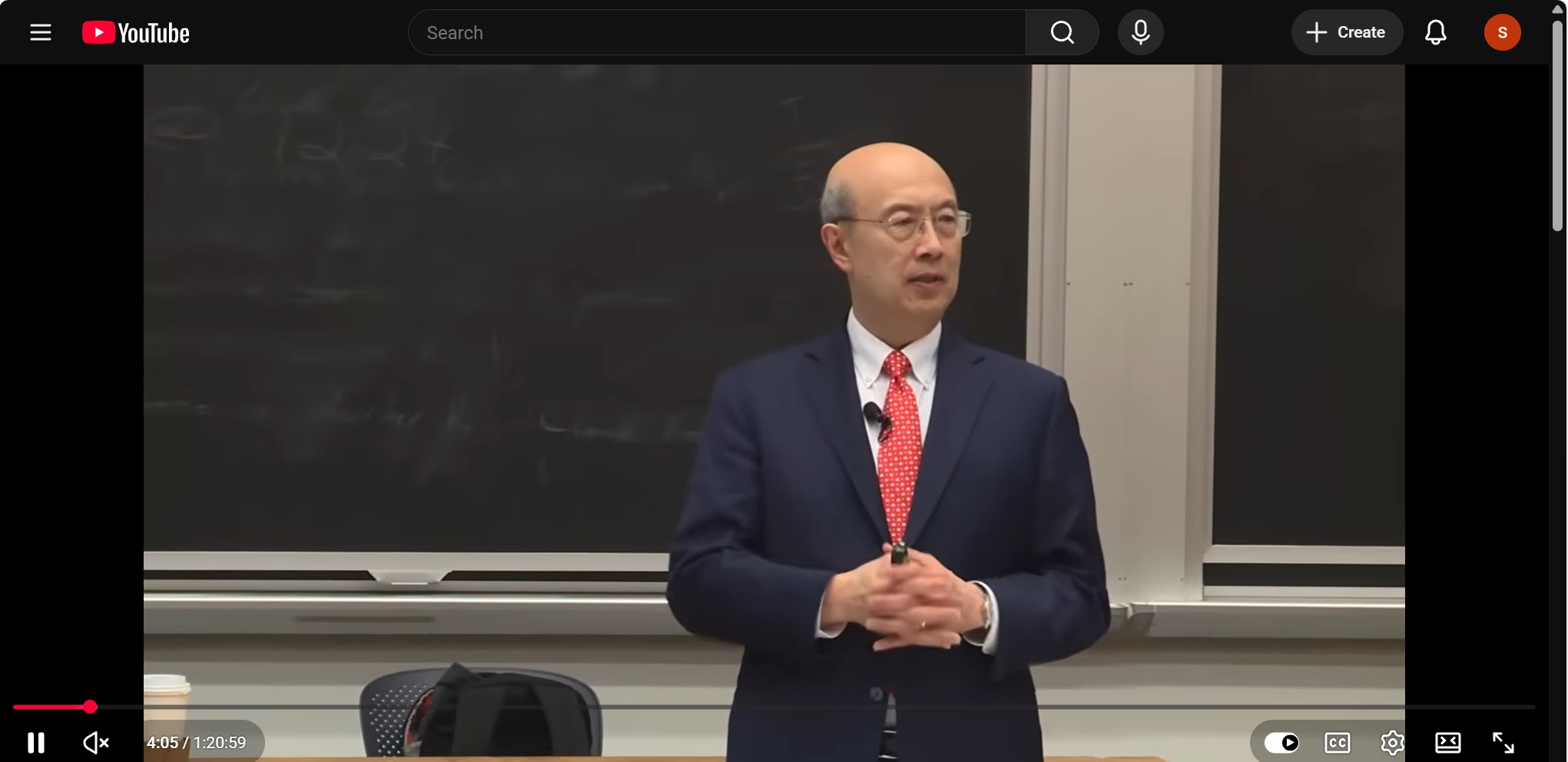
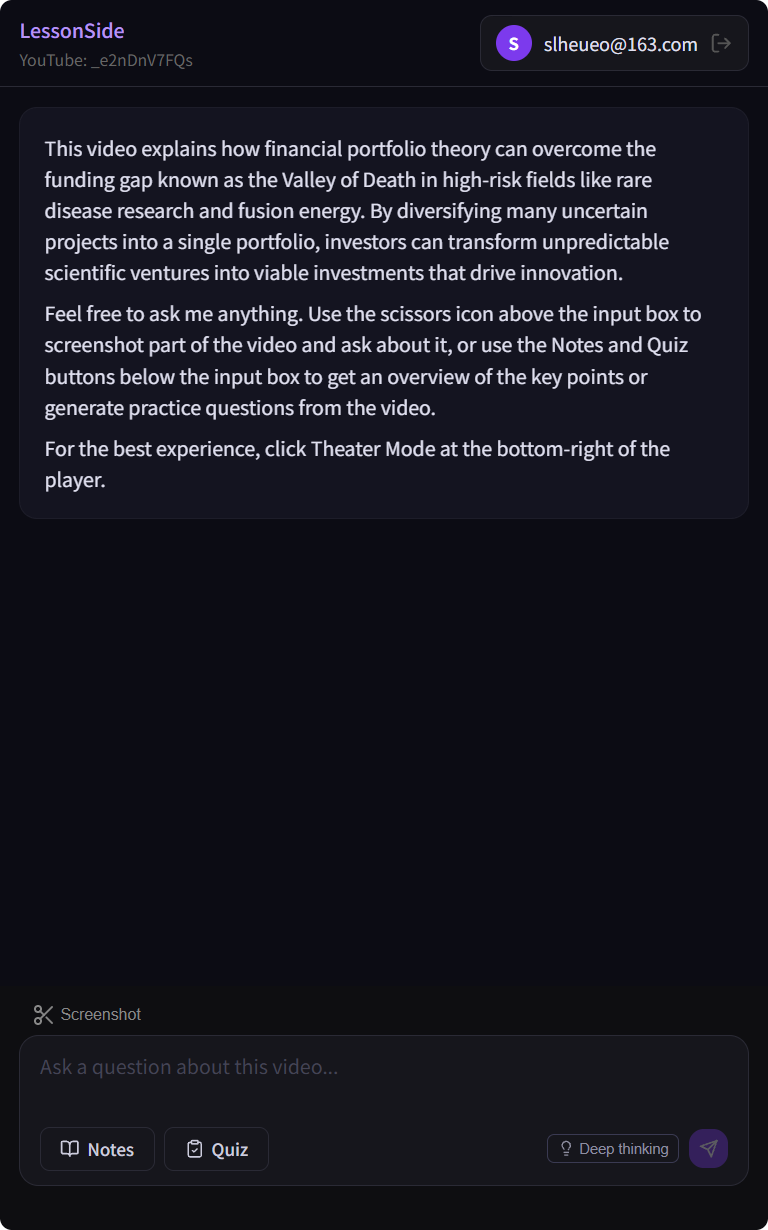
What it does
Three ways it turns watching into learning
Understand
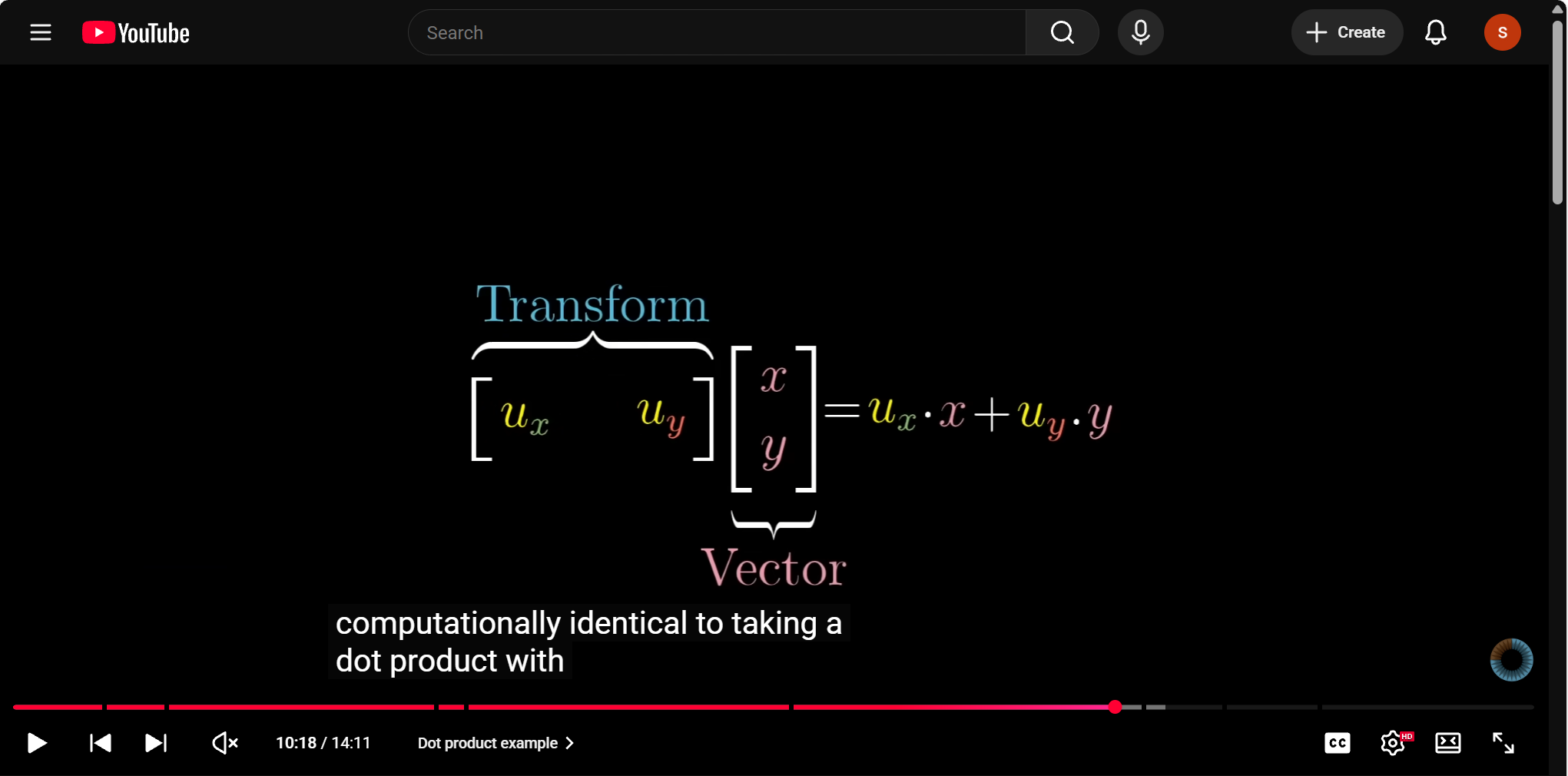
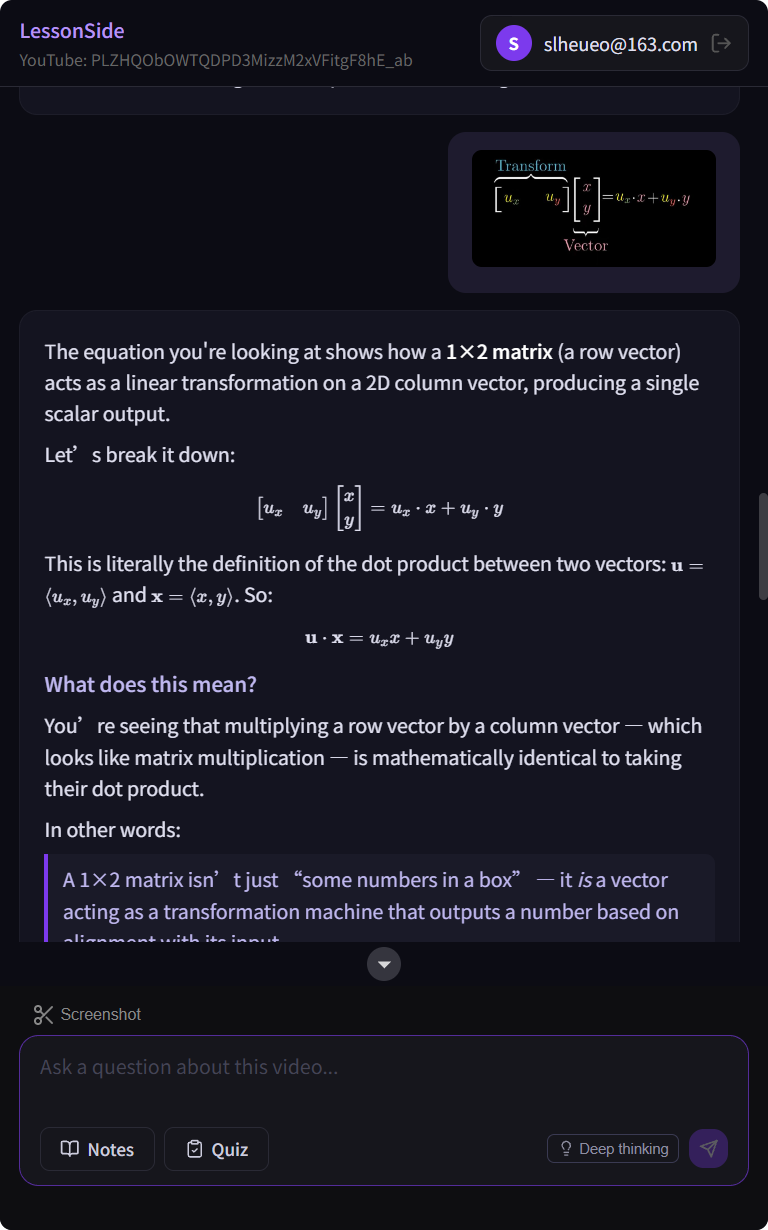
Something on screen isn't clicking? Screenshot it and ask
Draw a box around a formula, diagram, or line of code and get a clear explanation — right where you're watching, no tab-switching.
Summarize
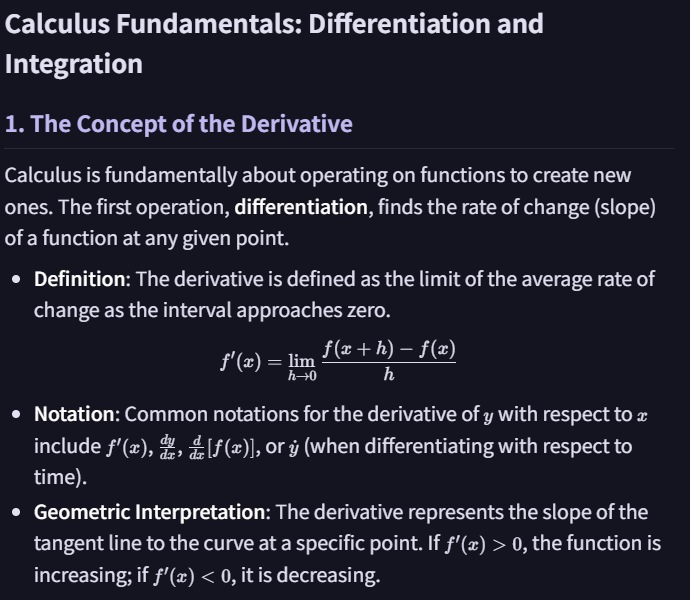
Auto notes for every lesson
Each video becomes organized key points and formulas — so you keep the takeaways without writing anything down.
Verify
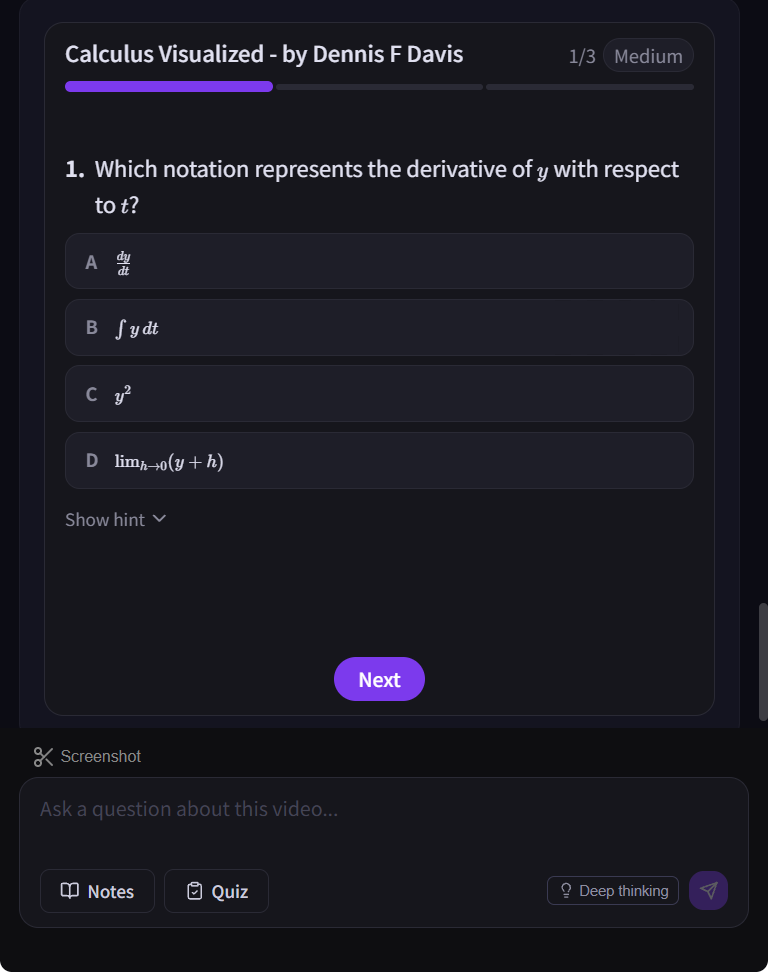
A quick quiz on what you learned
Instant questions verify you actually understood the lesson — not just watched it — and spot the gaps to revisit.
Frequently asked
Which videos does it support?+
LessonSide works on any YouTube video with available captions — lectures, tutorials, and course content across subjects.
How is my privacy handled?+
The extension only processes the lesson you're actively viewing. We don't sell your data — see the Privacy page for details.